
Hello folks! Updated to iOS 26 and now the Collections tab in your Photos app is just… empty? No memories, no trip albums, no “People” faces, nothing. Your actual photos are still there (you can check in Messages or the Files app), but the Photos app itself looks like it forgot how to organize anything. This one’s been showing up a lot since the update, and it’s annoying but almost never permanent.
Why Collections goes blank after the iOS 26 update
The Collections tab (Memories, trip albums, People, that kind of thing) isn’t just pulling photos from a folder. It’s built from an on-device AI index that scans your whole library and groups things by faces, places, and events. A software update this big rebuilds that index from scratch, and until it finishes, Collections just shows nothing instead of a half-finished mess.
Apple Community threads are full of people hitting this exact thing right after updating, so if you’re seeing it, you’re not alone and your photos almost certainly aren’t gone. Here’s the order I’d try things in.
1. Force close and reopen Photos
Swipe up from the bottom of the screen (or double-click the Home button on older iPhones) to see your open apps, find Photos, and swipe it away. Reopen it and check Collections again. Sounds too easy, but it does clear up a surprising number of cases where the app just got stuck mid-load.
2. Restart your iPhone
Press and hold the side button and either volume button until the power slider shows up, slide to turn off, wait about 30 seconds, then hold the side button again to turn it back on. A restart kicks the indexing process into gear if it stalled.
3. Make sure iCloud Photos is actually on
- Open Settings and tap your name at the top.
- Tap iCloud, then Photos.
- Check that Sync this iPhone (or iCloud Photos) is switched on.
It’s easy to accidentally flip this off while cleaning up storage, and if it’s off, your device stops syncing and indexing new content properly.
4. Rebuild the Photos search index
- Go to Settings > Siri & Search.
- Scroll down and tap Photos.
- Turn off Show Content in Search, wait about 10 seconds, then turn it back on.
This forces iOS to re-scan and re-index your library instead of relying on whatever got interrupted during the update.
5. Give it time (seriously)
This is the fix nobody wants to hear, but it’s the one that actually works most often: leave your iPhone on Wi-Fi and charging overnight. The AI indexing behind Collections runs in the background and can take a day or two on an iPhone with a large library, especially if you’ve got tens of thousands of photos. I left mine plugged in overnight after updating and Collections was back to normal by morning.
6. Check for a point update
Go to Settings > General > Software Update. Apple has a track record of quietly patching Photos bugs in the first couple of point releases after a major iOS version, so if you’re still on the initial iOS 26 release, updating is worth doing.
Tips and troubleshooting
- Your photos aren’t deleted. If Collections is empty but your camera roll still shows everything under the Library tab, this is purely an indexing issue, not data loss.
- Low storage can quietly block indexing. Check Settings > General > iPhone Storage and make sure you’ve got a few gigabytes free.
- If only People (face recognition) is missing but Memories work fine, that specific feature sometimes needs Face ID/attention-aware features enabled under Settings > Face ID & Passcode.
- Turning off “Optimize iPhone Storage” temporarily (Settings > your name > iCloud > Photos) can help if the app seems to be waiting on full-resolution originals to download.
Frequently asked questions
Why is the Collections tab empty in the iOS 26 Photos app?
It’s almost always an on-device AI indexing problem, not lost photos. The index that powers Memories, People, and trip albums gets rebuilt after a major iOS update, and until that finishes, Collections shows nothing.
How long does it take for Collections to come back after updating iOS?
Usually somewhere between a few hours and two days, depending on how many photos you have. Leaving your iPhone charging on Wi-Fi speeds it up since the indexing runs in the background.
Are my photos actually gone if Collections is blank?
No. Check the Library tab or Albums tab — your photos will still be there. Collections is just one way of viewing and organizing them, and it’s the part that depends on the AI index finishing.
Does resetting the Siri & Search toggle for Photos delete anything?
No, it only resets how the app is indexed for search and Collections. None of your actual photos, albums, or edits are affected.
Official reference: Apple’s support page on missing photos or videos.
If you’re also dealing with iPhone battery drain since updating, we’ve got a separate fix for iPhone battery drain on iOS 26 that might help too.
Did your Collections tab come back on its own, or did one of these steps do the trick? Tell me how long it took for you in the comments.
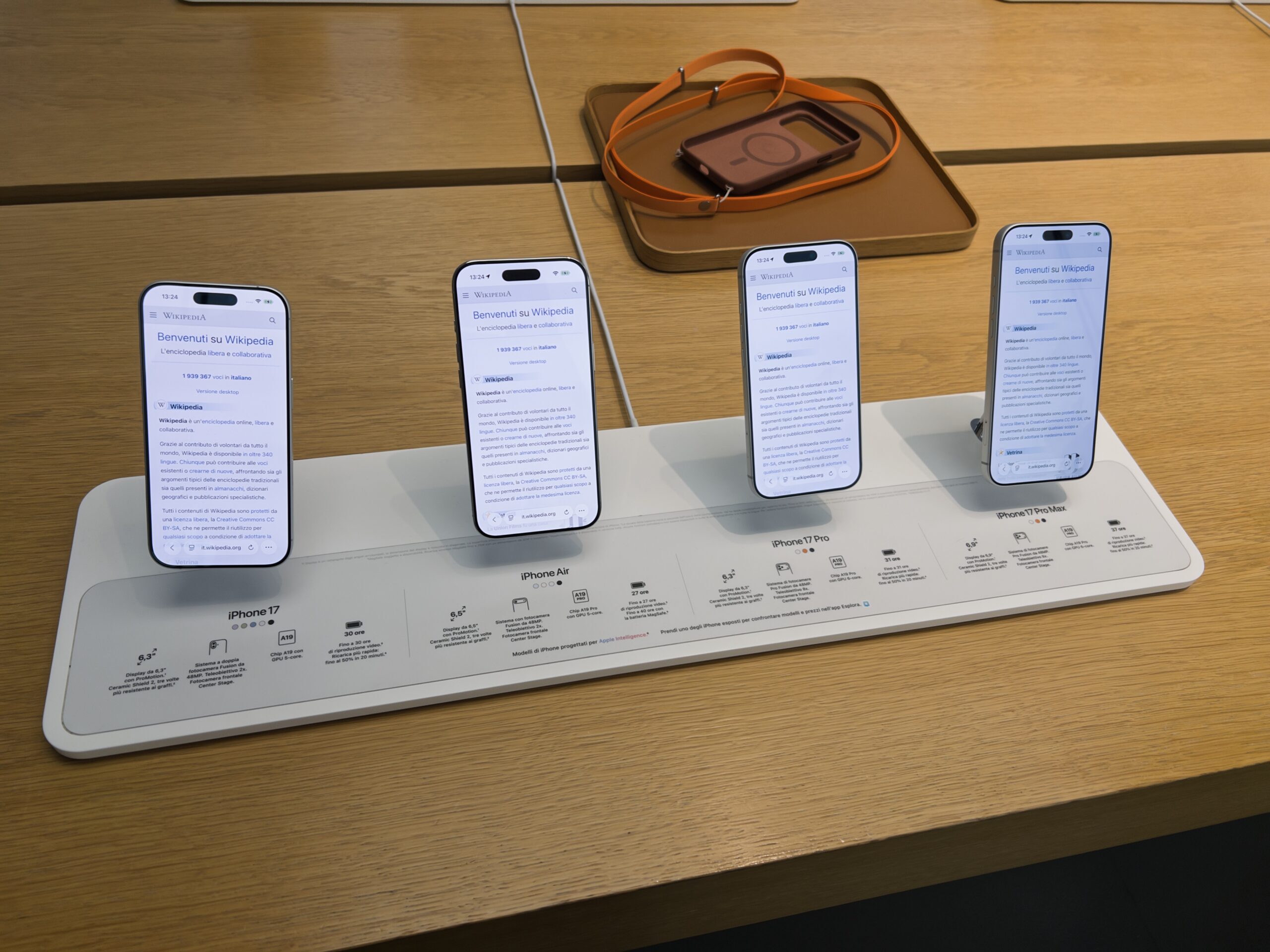
Images: “iPhone 17, Air, 17 Pro, and Pro max” by Premeditated, via Wikimedia Commons, licensed CC BY-SA 4.0.