
Hello folks! Ever wish Siri would just talk a little faster, or sound less like a robot reading a script? Apple just gave you the sliders to fix exactly that. The latest iOS 27 beta turns on two Siri voice settings that had been sitting there, greyed out, for weeks.
What happened
When Apple first showed off iOS 27, the settings screen already had “Pace” and “Expressivity” sliders listed under Siri’s voice options. They were just marked “Coming soon,” a preview of a feature nobody could actually touch yet. With beta 3, out July 6, Apple switched them on. If you’re running the beta, you can now actually drag those sliders instead of staring at a greyed-out label.
This is part of Apple’s bigger push to rebuild Siri around generative AI, the kind of AI that can hold a real conversation instead of just matching commands to canned responses. Voice customization is a small piece of that, but it’s the piece you’ll notice every single time you talk to your phone.
Key details
- Release: iOS 27 beta 3, July 6, 2026
- Pace slider: speeds up or slows down how fast Siri talks
- Expressivity slider: changes how much emotion and inflection comes through in Siri’s voice
- Options: five levels per slider, across two available voices right now
- Preview: Siri plays a short sample line, like “You have one new message,” so you can hear each change before committing
- Device requirement: A19 Pro chip and 12GB of RAM minimum, so these controls won’t show up on older iPhones
- Where it applies: system-wide, including Maps directions, Safari reading pages aloud, and Announce Notifications with AirPods
Why it matters to regular users
If you’ve ever found Siri’s voice a bit flat, or too slow when you’re in a hurry, this is Apple finally admitting one voice speed doesn’t fit everyone. Some people want Siri to rattle off directions quickly while they’re driving. Others want a slower, calmer pace for reading messages aloud. Now you get to pick, instead of living with Apple’s default.
The expressivity control matters too, in a quieter way. A flatter, more neutral voice can feel less intrusive for quick tasks, while a more expressive one feels more natural for longer conversations. Small setting, but it’s the kind of thing you adjust once and then stop thinking about, which is exactly what good design should feel like.
How to try it
You’ll need to be enrolled in the iOS 27 public or developer beta and have an iPhone with an A19 Pro chip, generally the newest models in Apple’s lineup. Once you’re on beta 3, open Settings, go to Siri, and look for the voice options. The Pace and Expressivity sliders should now be active instead of showing “Coming soon.” Drag either one and Siri will read out a sample line so you can judge the change before locking it in.
If you’re not comfortable running beta software on your main phone, it’s worth waiting. iOS 27’s public beta is expected around mid-July, and the finished version usually arrives with the new iPhones in the fall.
What’s next
Apple hasn’t said whether more voices are coming to go with the five pace and expressivity levels, only two voices currently support the new sliders. Given how fast Siri’s AI rebuild has been moving this year, more voice options and finer controls seem likely before iOS 27 ships to everyone. For the full rundown of what changed, 9to5Mac’s beta 3 coverage is worth a read.
If Siri’s behavior on your current iPhone has been giving you trouble in the meantime, our guide on fixing iPhone battery drain on iOS 26 covers another common iOS 26 headache worth checking.
FAQ
What does the Siri Pace setting do?
It controls how quickly Siri speaks, from slower and clearer to fast and brisk, using a slider with five levels.
What is Siri Expressivity?
It adjusts how much emotion and vocal inflection Siri’s voice carries, from flatter and neutral to more animated and natural-sounding.
Which iPhones support the new Siri voice controls?
Only iPhones with an A19 Pro chip and at least 12GB of RAM, since Apple ties the advanced Siri AI features to that hardware.
Do I need the beta to use these settings?
Yes, for now. They’re live in iOS 27 beta 3. If you’re not on the beta, you’ll see them once iOS 27 releases publicly later this year.
Would you slow Siri down, speed it up, or leave it exactly as is? Tell us what you’d change first.
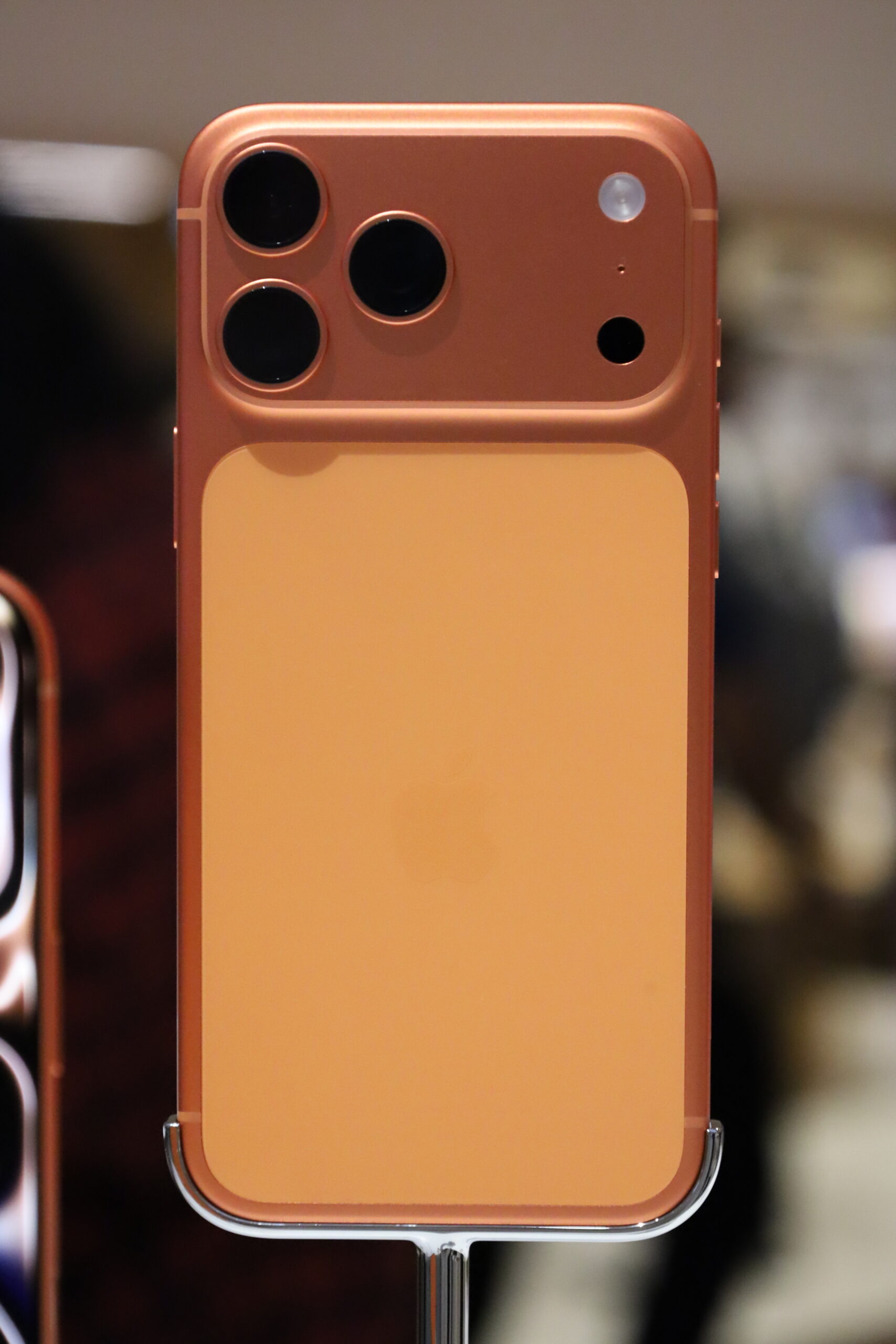
Featured photo: “iPhone 17, Air, 17 Pro, and Pro Max” by Premeditated, Wikimedia Commons, licensed under CC BY-SA 4.0.